

Managing RxJS Traffic with Signals and Suspensify
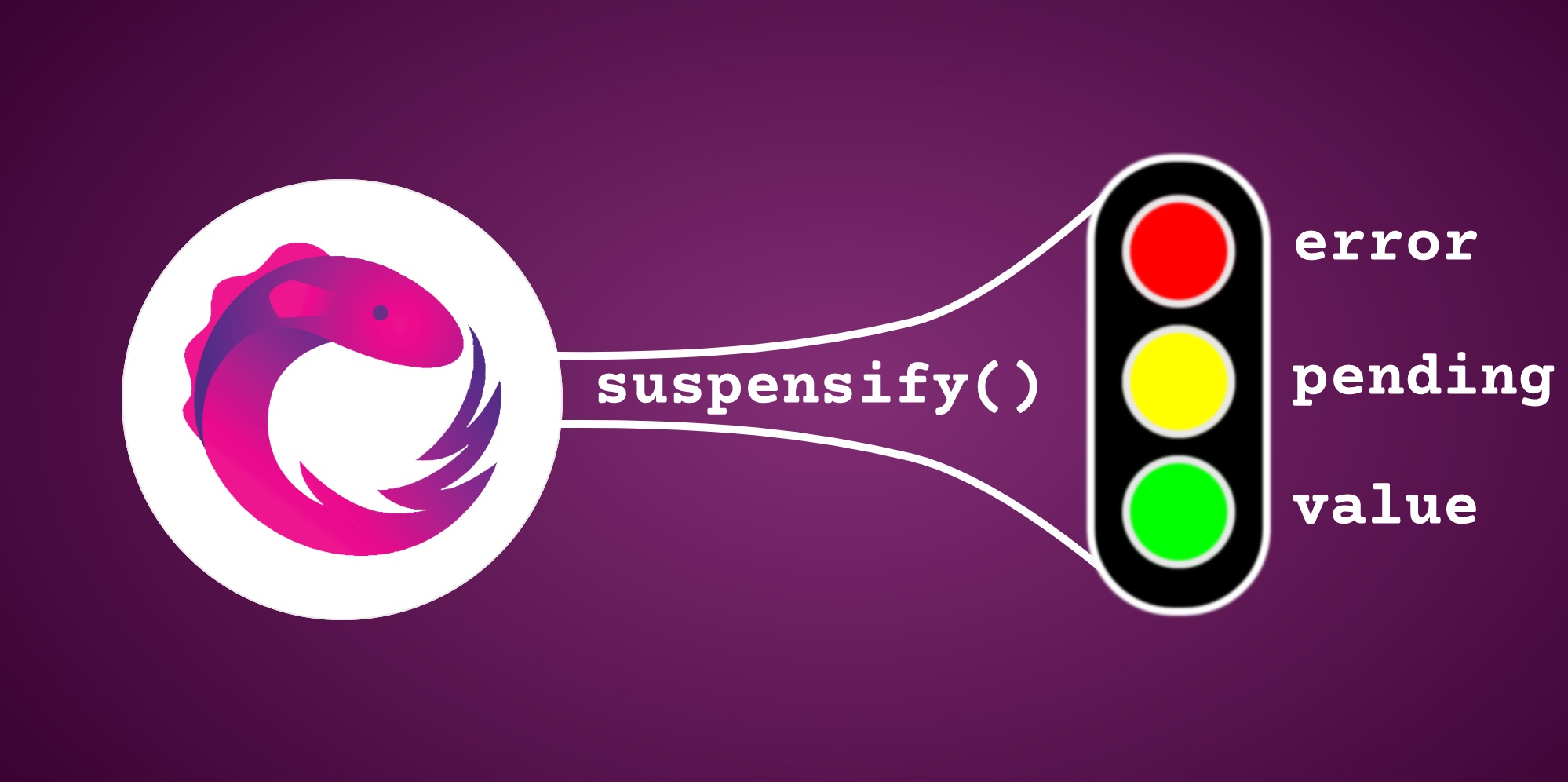
Will Signals replace RxJS?
✨ Let Signals shine !
toSignal()
♻️ Spinner vertigo
@Component({
  …
  template: `<mc-recipe [recipe]=”recipe()”/>`
})
class MyCmp {
  recipe = toSignal(this.getRecipe());

  getRecipe() {
    return of('🍔').pipe(delay(1000));
  }
}
That’s when we might hit a common typing issue:
error TS2322: Type 'string | undefined' is not assignable to type 'string'stringtoSignal()undefinedinitialValue
recipe = toSignal(this.getRecipe(), {initialValue: '🍕'});recipe = toSignal(this.getRecipe());<mc-spinner *ngIf="!recipe()"/>
<mc-recipe *ngIf="recipe() as recipeValue" [recipe]="recipeValue" />getRecipe()nullundefined
*ngIf + as
💥 “Oups ! Your valid data is invalid.”
catchError()
@Component({
  …
  template: `
    <div *ngIf="error()">Oups! Something went wrong.</div>
    <mc-recipe *ngIf="recipe() as recipeValue" [recipe]="recipeValue" />
  `,
})
export class AppComponent {
  error = signal(null);
  recipe = toSignal(
    this.getRecipe().pipe(
      catchError((error) => {
        this.error.set(error);
        return of(null);
      })
    )
  );

  …
}null
✅ We’re not done yet !
getRecipe()
catchError()
@Component({
  …
  template: `
    <mc-progress-bar *ngIf="!finalized()"/>
    <app-recipe *ngIf="recipe() as recipeValue" [recipe]="recipeValue" />
  `,
})
export class AppComponent {
  finalized = signal(false);
  recipe = toSignal(
    this.getRecipe().pipe(
      finalize(() => this.finalized.set(true))
    )
  );

  …
}
🪄 Suspensify
materialize
suspensify()
Suspense
this.getRecipe()
  .pipe(suspensify())
.subscribe(value => console.log(value));{pending: true, finalized: false, hasError: false, hasValue: false}
{pending: false, finalized: false, hasError: false, hasValue: true, value: '🍔'}
{pending: false, finalized: true, hasError: true, hasValue: false, error: '💥'}recipe = toSignal(this.getRecipe().pipe(suspensify())); // Signal<Suspense<Recipe> | undefined><!-- error TS2532: Object is possibly 'undefined' -->
<mc-progress-bar *ngIf=”!recipe().finalized”/>undefinedtoSignal()suspensify()
recipe = toSignal(this.getRecipe().pipe(suspensify()), {requireSync: true}); // Signal<Suspense<Recipe>>💪 Type-narrowing in the template
suspensify()
<div *ngIf="suspense.hasError">
  {{ suspense.error }} // ✅
  {{ suspense.value }} // 💥 template compilation error
</div>

<div *ngIf="suspense.hasValue">
  {{ suspense.error }} // 💥 template compilation error
  {{ suspense.value }} // ✅
</div>recipe()
<div *ngIf="recipe().hasError">
  {{ recipe().error }} // 💥 template compilation error
  {{ recipe().value }} // 💥 template compilation error
</div>

<div *ngIf="recipe().hasValue">
  {{ recipe().error }} // 💥 template compilation error
  {{ recipe().value }} // 💥 template compilation error
</div>suspensifystrictfalseerrorvalueundefined
recipe = toSignal(this.getRecipe().pipe(suspensify({strict: false})));<div *ngIf="recipe().hasError">
{{ recipe().error }} // ✅
{{ recipe().value }} // ✅
</div>
<div *ngIf="recipe().hasValue">
{{ recipe().error }} // ✅
{{ recipe().value }} // ✅
</div>ngIf + as
<ng-container *ngIf=”recipe() as suspense”>
  <div *ngIf="suspense.hasError">
    {{ suspense.error }} // ✅
    {{ suspense.value }} // 💥
  </div>

  <div *ngIf="suspense.hasValue">
    {{ suspense.error }} // 💥
    {{ suspense.value }} // ✅
  </div>
</ng-container>Finally, we can quickly wrap this in a :
@Component({
  …
  template: `
<mc-progress-bar *ngIf=”!recipe().finalized”/>

<div *ngIf="recipe().hasError">
  {{ recipe().error }}
</div>

<div *ngIf="recipe().hasValue">
  {{ recipe().value }}
</div>
`
})
class MyCmp {
  recipe = toSuspenseSignal(this.getRecipe());

  getRecipe(): Observable<Recipe> {
    …
  }
}

function toSuspenseSignal<T>(source$: Observable<T>) {
  return toSignal(source$.pipe(suspensify({ strict: false })), {
    requireSync: true,
  });
}